# 云识别图片规范

云识别图片：使用云端图像识别的识别图

**使用环境：**

* **AR 场景：** 云识别/陀螺仪场景
* **合辑：** 云识别/陀螺仪类型、图像 AR 类型

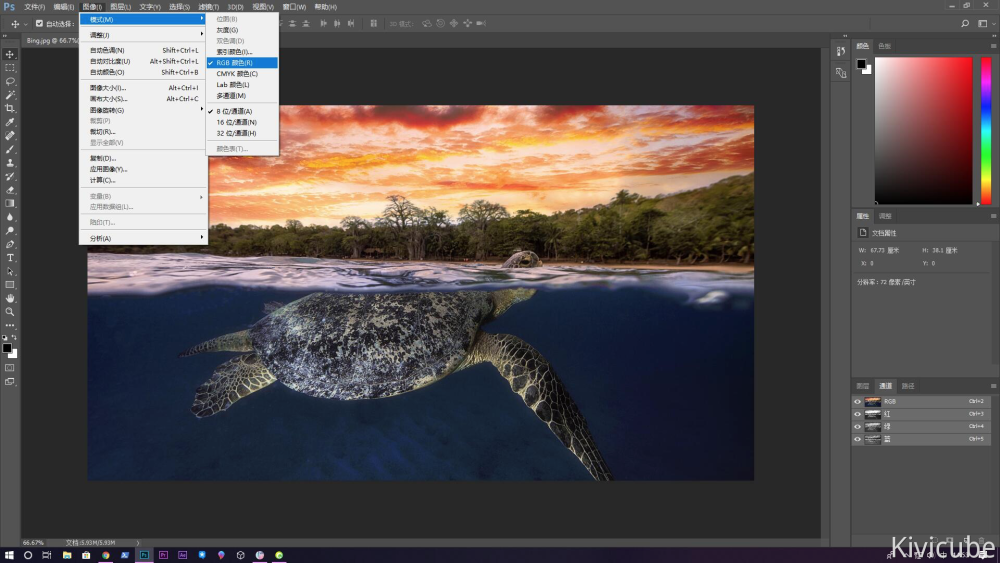
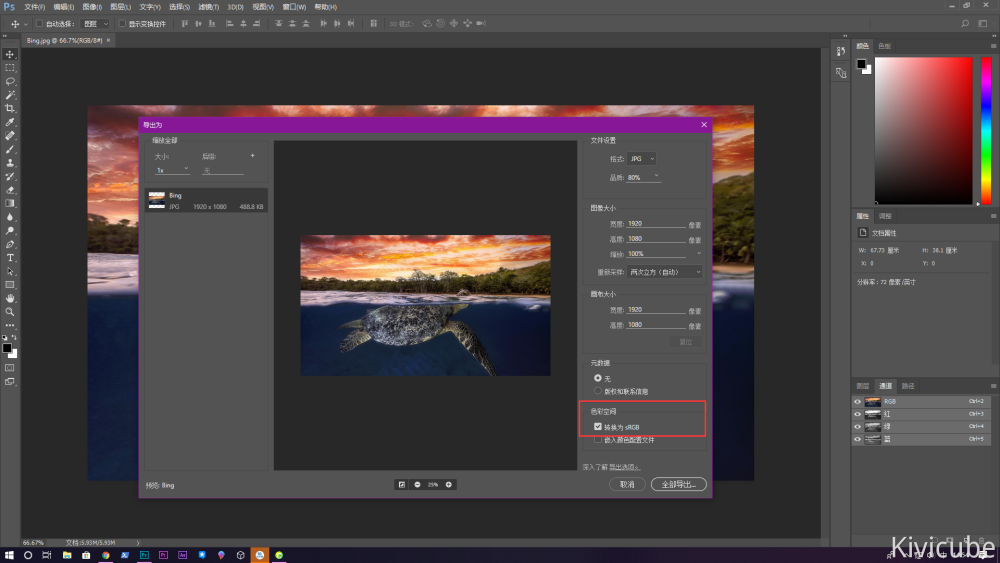
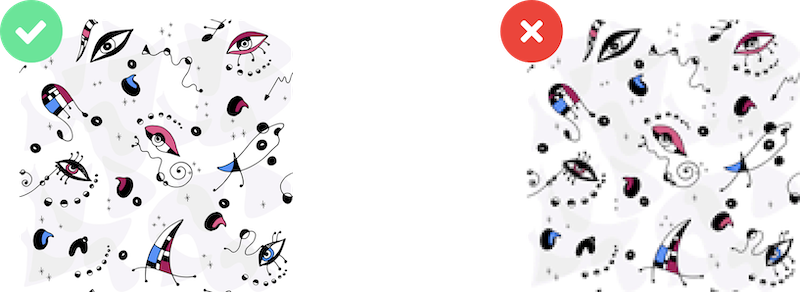
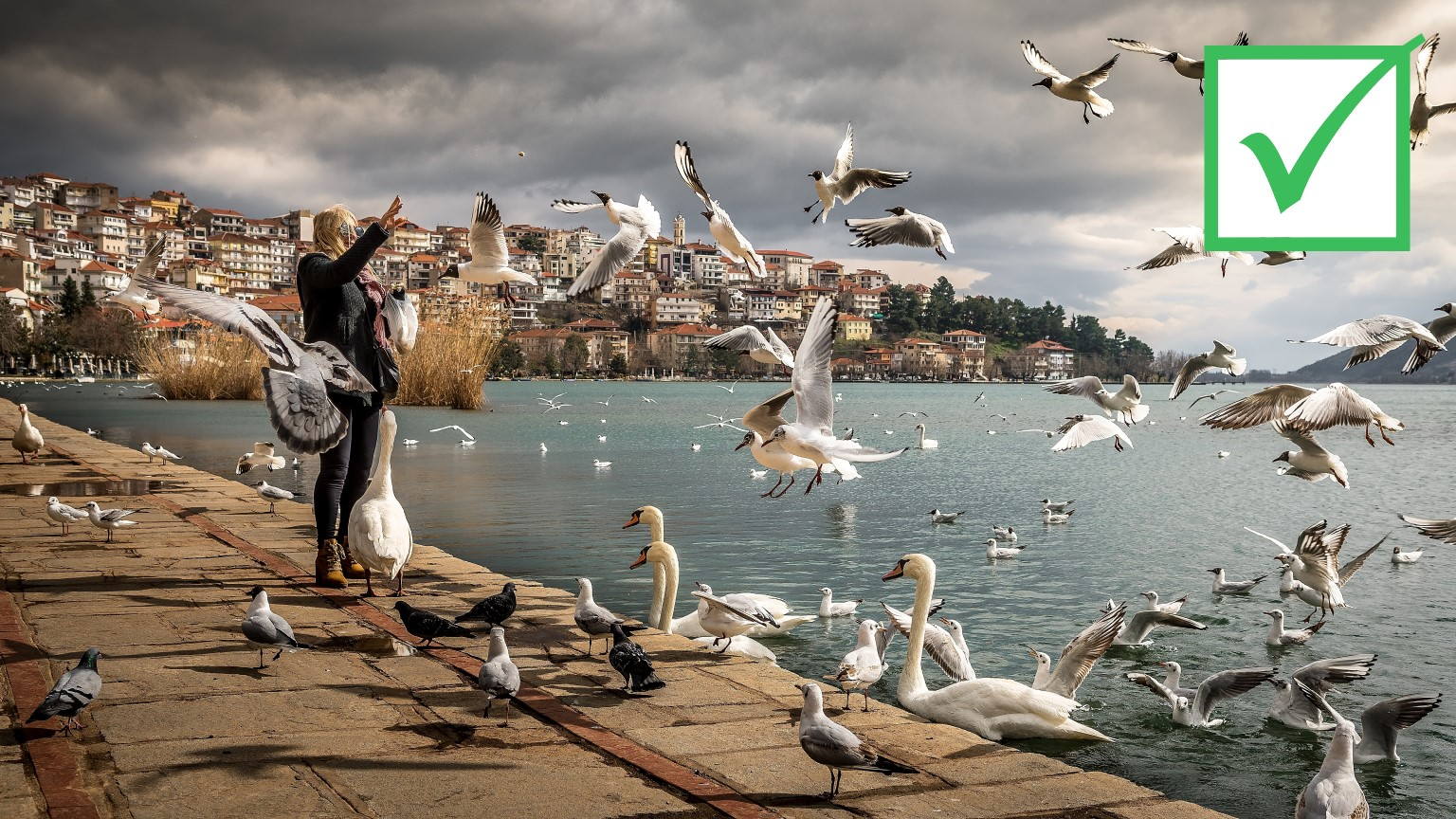
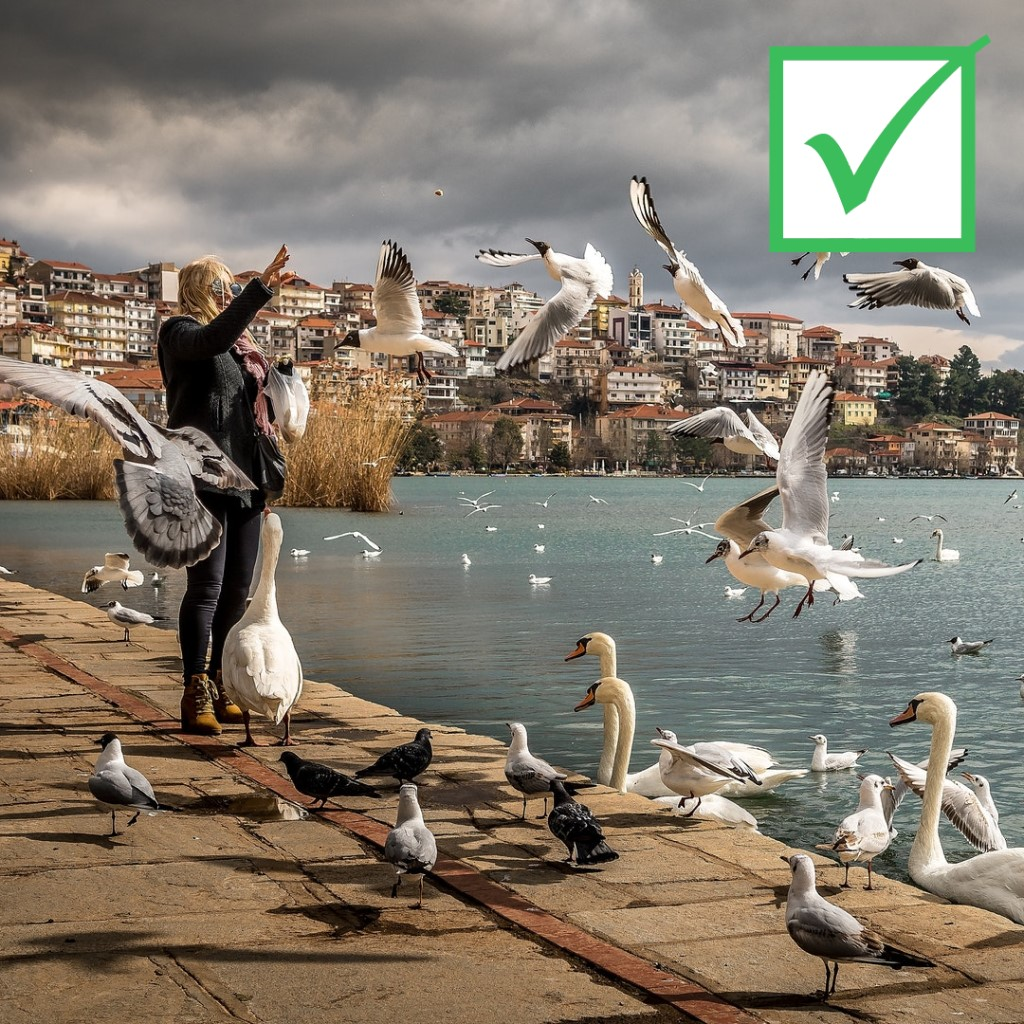
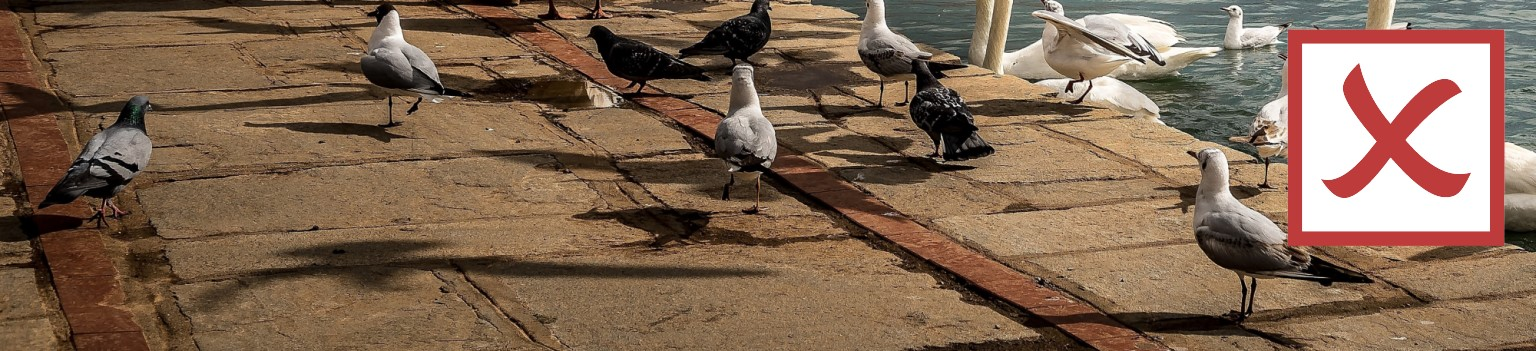
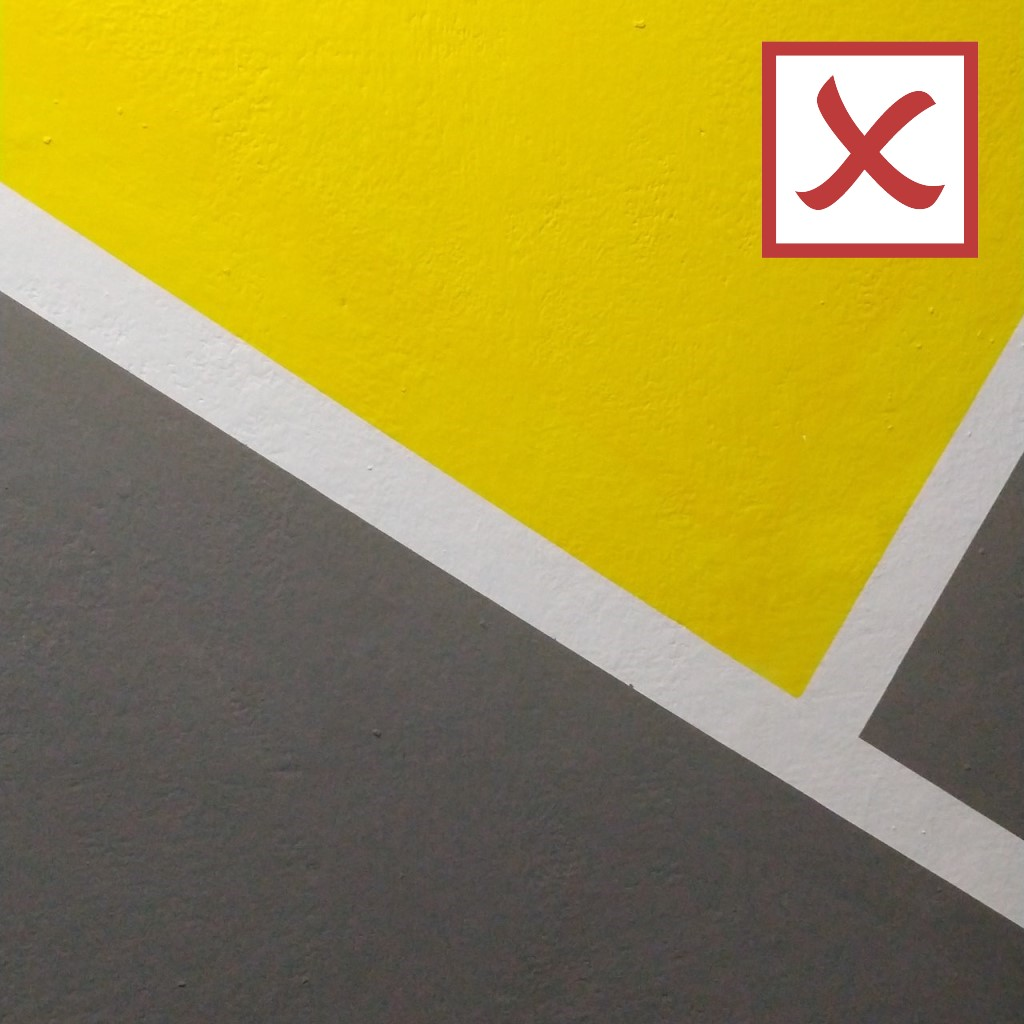
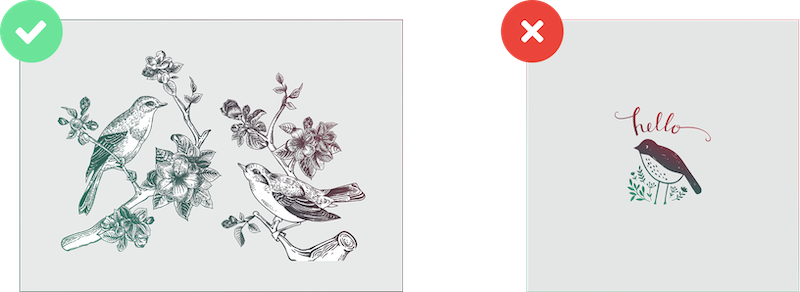
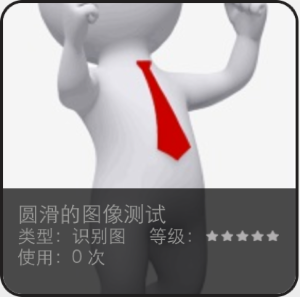
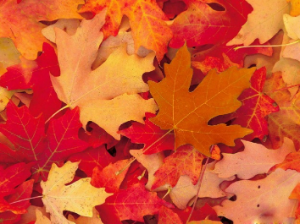
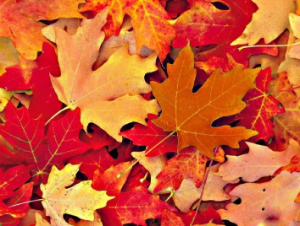
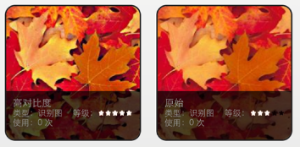
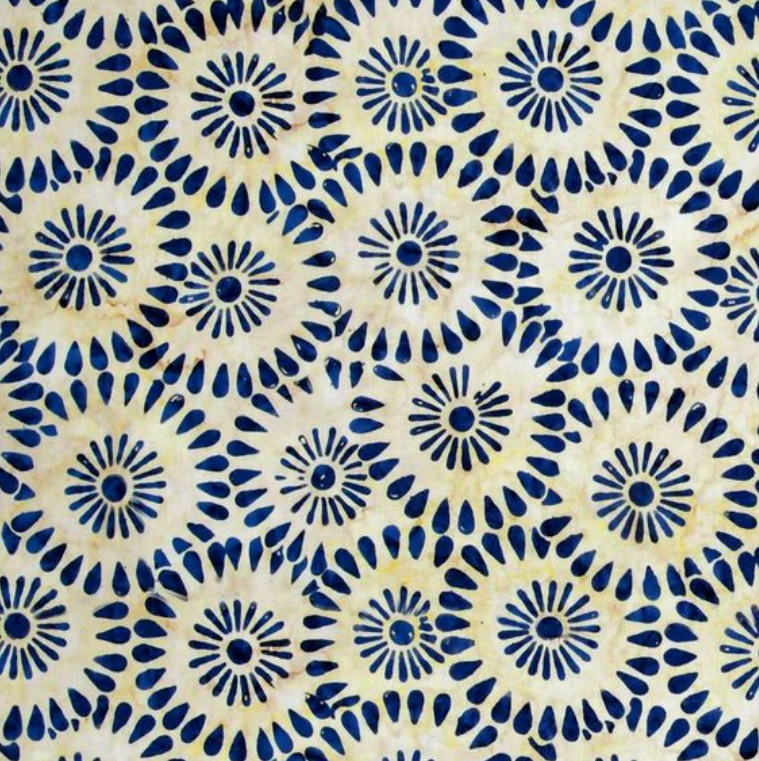
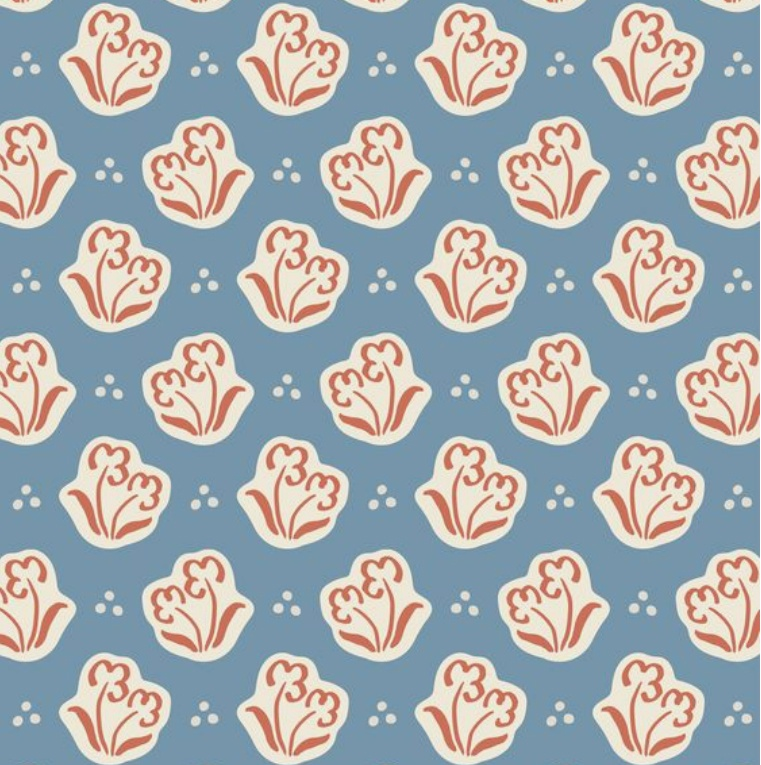
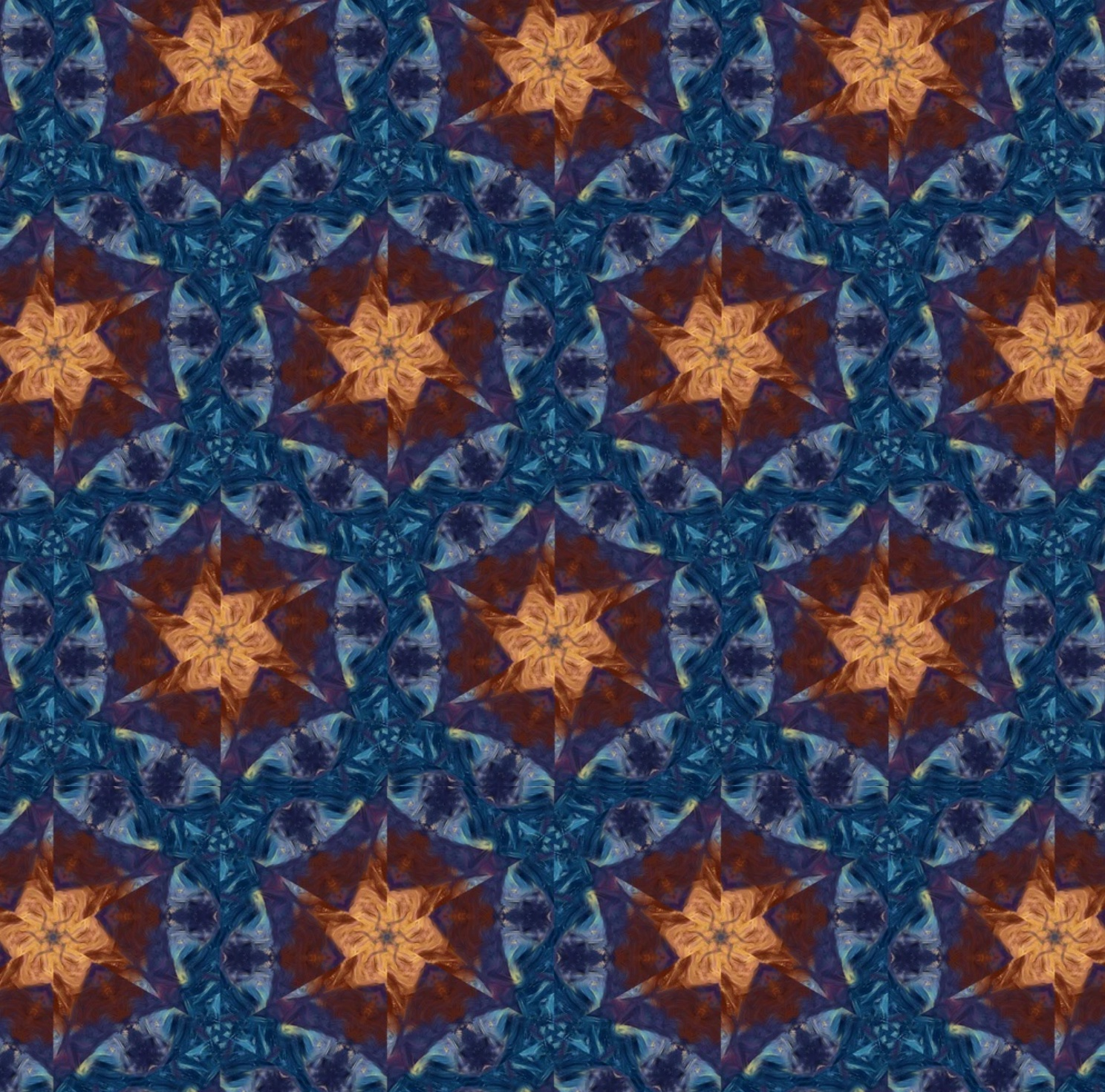
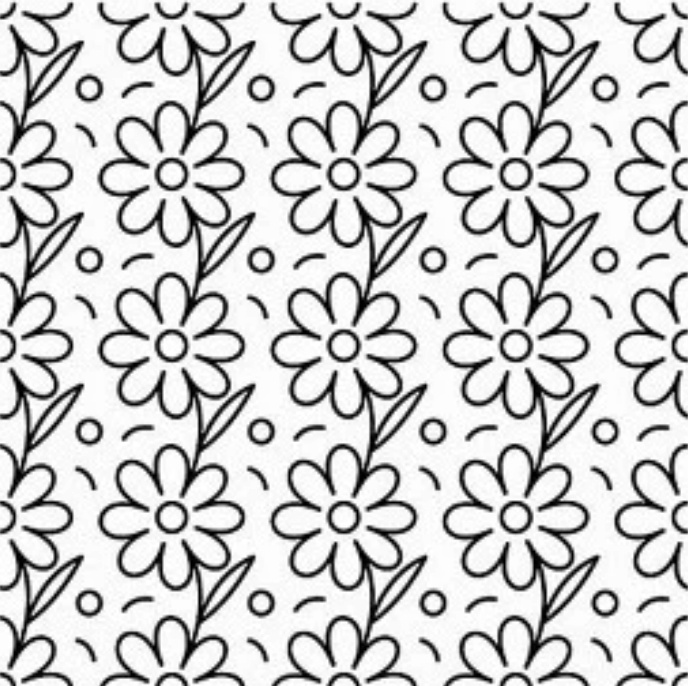
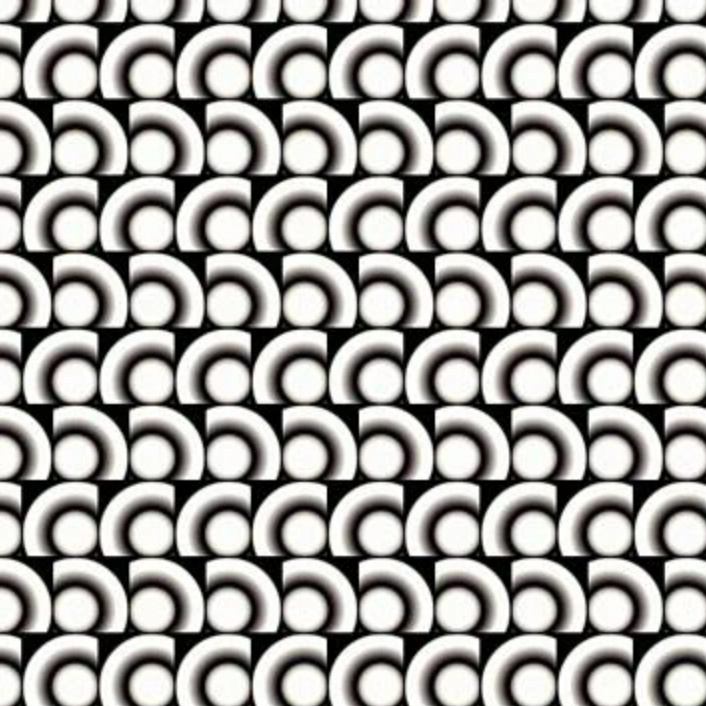
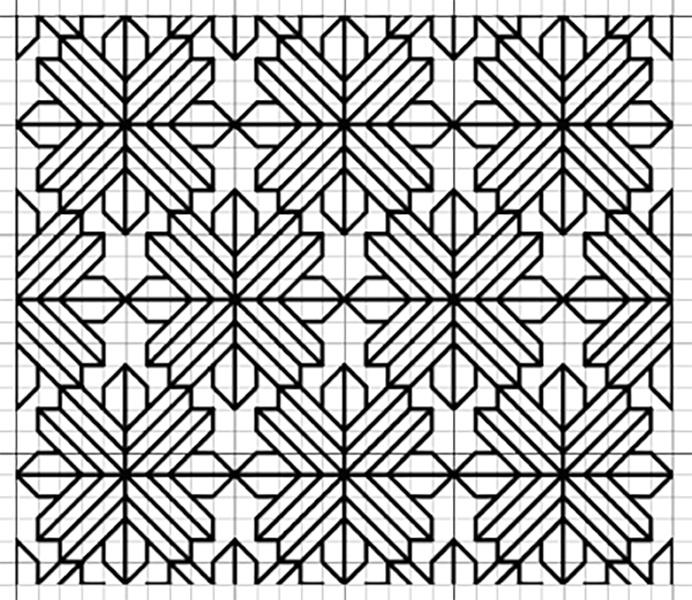
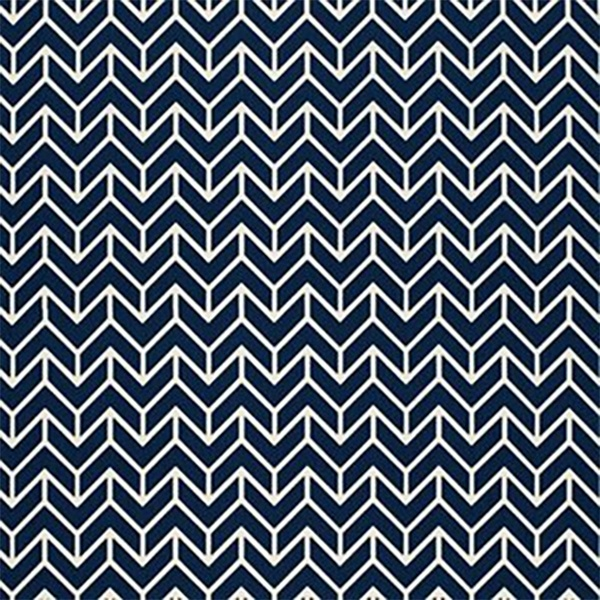
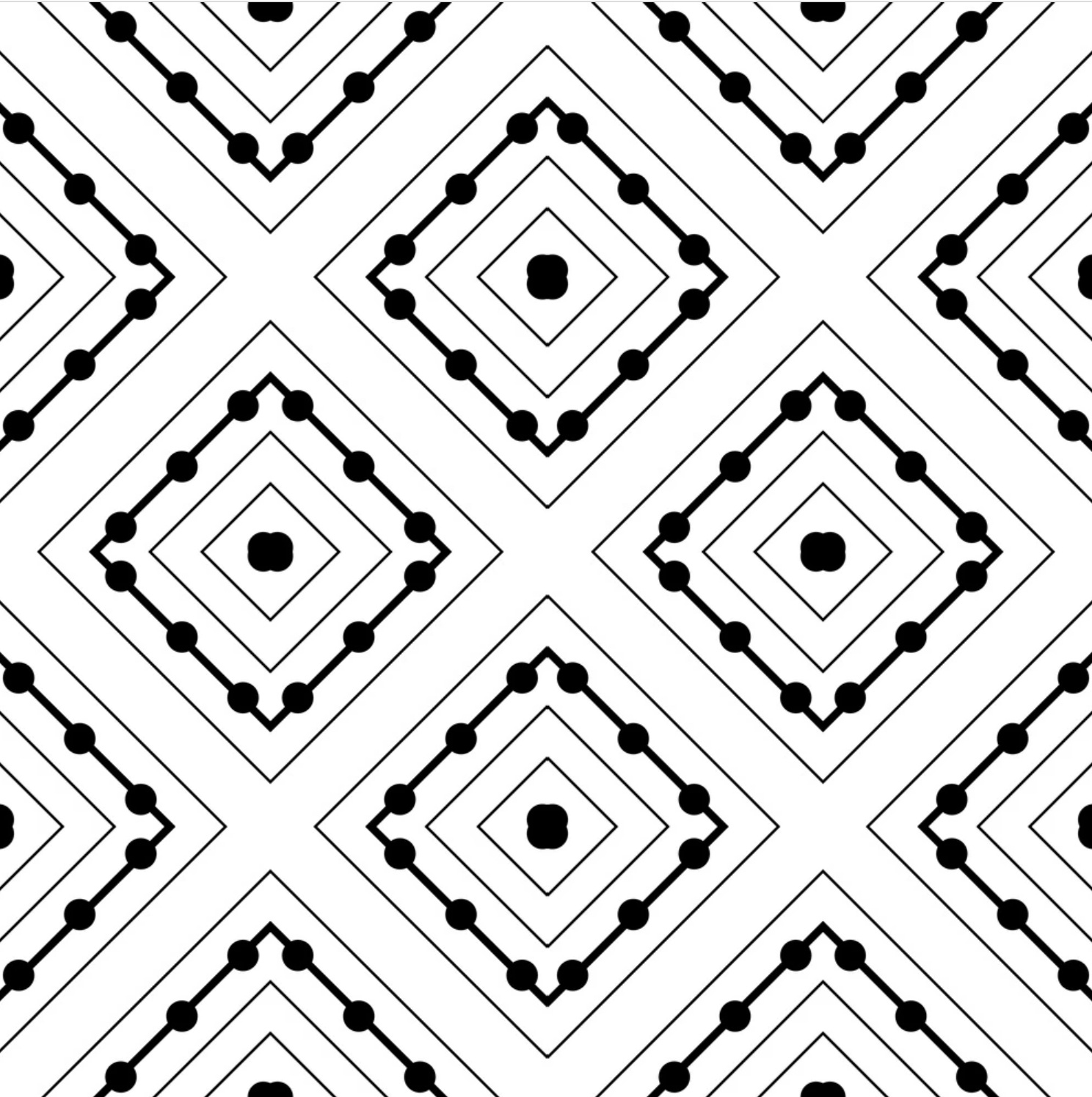
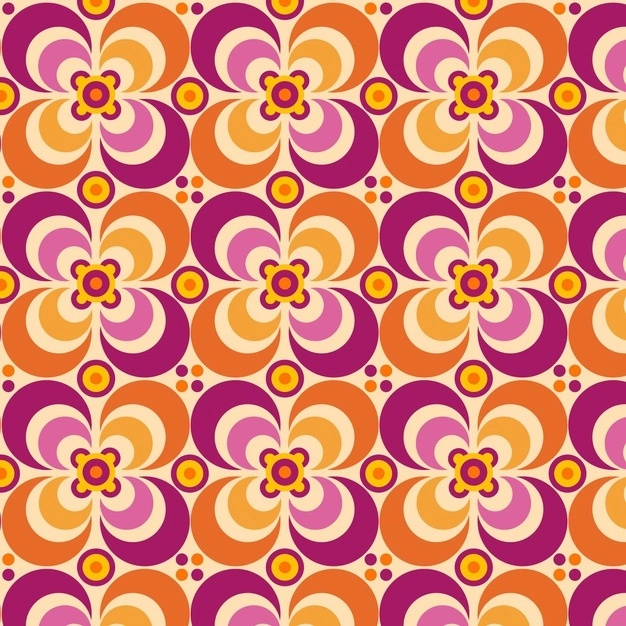
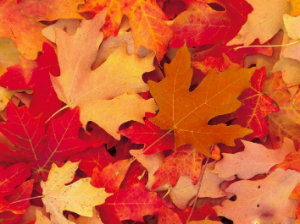
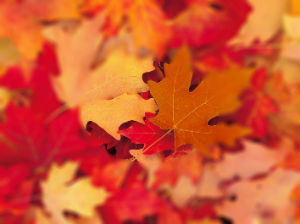
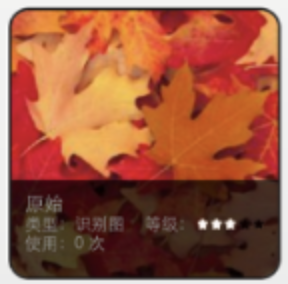
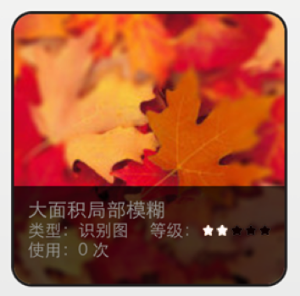
<table data-header-hidden><thead><tr><th width="180.203125"></th><th></th></tr></thead><tbody><tr><td><strong>类别</strong></td><td><strong>描述与示意</strong></td></tr><tr><td><strong>正确的图像格式</strong></td><td>- jpg<br>- jpeg</td></tr><tr><td><strong>正确的颜色模式</strong></td><td>设为 <strong>RGB</strong>，便于及时发现色差问题。<br><img src="https://cdn.nlark.com/yuque/0/2021/png/217517/1640948709168-69be2c90-18fa-438d-9aef-182c50caf7fd.png" alt=""><br><br>导出图片时勾选 <strong>色彩空间 → 转换为 sRGB</strong>，导出后检查是否存在色差。<br><img src="https://cdn.nlark.com/yuque/0/2021/png/217517/1640948777943-6988e8a8-31a1-4348-80f1-55bc44819e9c.png" alt=""></td></tr><tr><td><strong>适宜的图像分辨率</strong></td><td>- 图像尺寸在 <strong>480×480 ~ 1280×1280</strong> 之间<br>- 建议图像尺寸 <strong>800</strong> 左右<br><img src="https://cdn.nlark.com/yuque/0/2021/png/217517/1640601607416-ea239edb-3bd4-404e-ad41-3a3a80535aee.png" alt="右图尺寸过低，导致模糊"></td></tr><tr><td><strong>适宜的图像宽高比</strong></td><td>- 横版识别图宽高比 <strong>1:1 ~ 16:9</strong>（宽高比 1.78 ~ 1）<br>- 竖版识别图宽高比 <strong>9:16 ~ 1:1</strong>（宽高比 0.56 ~ 1）<br><img src="https://cdn.nlark.com/yuque/0/2021/png/217517/1640600037734-2267bb0b-906e-493e-bc83-8fda628b4b1c.png" alt=""><img src="https://cdn.nlark.com/yuque/0/2021/png/217517/1640600055995-97564fd3-8ea9-40fb-bfaa-3017be72bda1.png" alt=""><img src="https://cdn.nlark.com/yuque/0/2021/png/217517/1640600091965-89aa7ac3-1bb1-4053-9981-dc279c6aa04f.png" alt=""></td></tr><tr><td><strong>具有丰富的细节</strong></td><td>- 下图为一些不佳的图像示例：<br><img src="https://cdn.nlark.com/yuque/0/2021/png/217517/1640603700544-74c77250-1ddc-4596-ad7c-8934259fff61.png" alt=""><img src="https://cdn.nlark.com/yuque/0/2021/png/217517/1640603705797-6f582fe9-9e36-46e7-a9db-f3f8fa8c2395.png" alt=""><img src="https://cdn.nlark.com/yuque/0/2021/png/217517/1640603740212-ac7a4ed0-e8df-4aa5-9a0d-5989fc9c8d34.png" alt=""><br><img src="https://cdn.nlark.com/yuque/0/2021/png/217517/1640604272741-f25d4c9b-0f92-4bb2-9475-4910c1406514.png" alt=""><img src="https://cdn.nlark.com/yuque/0/2021/png/217517/1640604422369-3557ba14-ff03-48f6-8670-f43bdd52242a.png" alt=""><br>- 针对上述情况，可使用 <strong>AI 识别</strong> 代替云识别。</td></tr><tr><td><strong>避免大面积的空白</strong></td><td>- 避免图像出现大面积空白<br><img src="https://cdn.nlark.com/yuque/0/2021/png/217517/1640604941606-efb2d5a9-cd86-44d7-be5e-f143601578b3.png" alt=""></td></tr><tr><td><strong>云识别的基础原理</strong></td><td>- 图像需具有<strong>锐利的细节</strong>：一个正方形约含 4 个特征点，一个圆形几乎不含特征点；制作时尽量避免大面积圆形设计。<br><img src="https://cdn.nlark.com/yuque/0/2021/png/217517/1640600865582-00e27372-b9ae-4178-9de2-5e194b675580.png" alt="原图"><img src="https://cdn.nlark.com/yuque/0/2021/png/217517/1640600885806-bde4e327-e23c-4cc0-af7d-dbbbd11f9159.png" alt="星级评定结果：0星级"><br>- 尽量避免平滑柔软边缘与大量渐变图像。<br><img src="https://cdn.nlark.com/yuque/0/2021/png/217517/1640601686164-81fdbe08-2c18-4ff9-8140-3a368d24e237.png" alt=""></td></tr><tr><td><strong>高对比度</strong></td><td>- 提高图像对比度可显著提升识别度。<br><img src="https://cdn.nlark.com/yuque/0/2021/png/217517/1640601854803-fa804535-774f-4a4c-b47f-5d6f993e8fdc.png" alt="原图"><img src="https://cdn.nlark.com/yuque/0/2021/png/217517/1640601977180-d9253499-1ec4-4a6f-a109-43db8f535085.png" alt="提高对比度"><br><img src="https://cdn.nlark.com/yuque/0/2021/png/217517/1640602018932-5dc6a00f-0675-4cf0-b098-87194f176ce0.png" alt="星级评定结果对比"><br>- 更多对比度示例：<br><img src="https://cdn.nlark.com/yuque/0/2021/png/217517/1640602310096-60ee5116-3dc9-4727-9290-f1e74de07da9.png" alt=""></td></tr><tr><td><strong>避免重复图案</strong></td><td>- <strong>下列重复图像</strong> 实际中虽可识别，但误识别风险升高（单个重复对象细节丰富时仍可能识别）：<br><img src="https://cdn.nlark.com/yuque/0/2022/png/217517/1642074042212-d6f4bac5-4033-477c-9970-13ce3710c4dd.png" alt=""><img src="https://cdn.nlark.com/yuque/0/2022/png/217517/1642074051674-b3d8cbf2-74fa-4bb5-a7e6-a9530f3c569d.png" alt=""><img src="https://cdn.nlark.com/yuque/0/2022/png/217517/1642074067214-652d6190-a184-4f6d-98d2-ec127e2f9be4.png" alt=""><img src="https://cdn.nlark.com/yuque/0/2022/png/217517/1642074081347-391ab04e-1b3f-4ba1-ac04-ce51c2a59184.png" alt=""><br><br>- <strong>下列重复且对称、且过于简单的图像</strong> 无法识别（对称性影响识别且线条过于规则）：<br><img src="https://cdn.nlark.com/yuque/0/2022/png/217517/1642074295923-357580fd-da6a-48dd-a63e-7a5cb927de5d.png" alt=""><img src="https://cdn.nlark.com/yuque/0/2022/png/217517/1642074307016-5216db8e-fe7a-485c-a21e-d36263cc5d15.png" alt=""><img src="https://cdn.nlark.com/yuque/0/2022/png/217517/1642074315985-494849eb-646a-4e97-a212-3e250c35d93f.png" alt=""><img src="https://cdn.nlark.com/yuque/0/2022/png/217517/1642074322840-217a7222-a9f8-4c88-8264-4c9ad13d037b.png" alt=""><img src="https://cdn.nlark.com/yuque/0/2022/png/217517/1642074330198-6b341e6d-66df-4ea1-b20d-0704a83899aa.png" alt=""></td></tr><tr><td><strong>避免图像模糊设计</strong></td><td>- 尽量避免大面积模糊设计：<br><img src="https://cdn.nlark.com/yuque/0/2021/png/217517/1640603212438-df36e5b8-a417-4e10-9e30-28149a2fdea5.png" alt="原图"><img src="https://cdn.nlark.com/yuque/0/2021/png/217517/1640603188154-a36abbec-7536-4e22-a7f1-3ce1402bf5b6.png" alt="周围大面积模糊"><br><img src="https://cdn.nlark.com/yuque/0/2021/png/217517/1640603275371-b5b3597c-c7aa-49f7-af14-70e2c0eddaac.png" alt="原图：3 星级"><img src="https://cdn.nlark.com/yuque/0/2021/png/217517/1640603254875-e496566d-570a-4438-b3f9-e105737b0356.png" alt="模糊后：2 星级"></td></tr><tr><td><strong>均匀的特征分布</strong></td><td>- 图像需具有 <strong>均匀的特征分布</strong>。<br><img src="https://cdn.nlark.com/yuque/0/2021/png/217517/1640603818960-d688ae9b-1147-44e7-adfd-fbb4b8f46313.png" alt=""><br>- 如上，仅右下有丰富细节，应尽量避免。<br>- 下图展示了特征点集中在左下角的情况，应避免：<br>![](https://cdn.nlark.com</td></tr></tbody></table>


---

# Agent Instructions: Querying This Documentation

If you need additional information that is not directly available in this page, you can query the documentation dynamically by asking a question.

Perform an HTTP GET request on the current page URL with the `ask` query parameter:

```
GET https://docs-en.kivicube.com/ar-asset-creation-guide/image-marker/yun-shi-bie-tu-pian-gui-fan.md?ask=<question>
```

The question should be specific, self-contained, and written in natural language.
The response will contain a direct answer to the question and relevant excerpts and sources from the documentation.

Use this mechanism when the answer is not explicitly present in the current page, you need clarification or additional context, or you want to retrieve related documentation sections.